
Provide logo & prepare print data correctly
THIS IS HOW YOU ACHIEVE THE PERFECT RESULT
To ensure your logo or design is printed on your product in the best possible quality, we need your file in a suitable format. Here you can find out which file types are suitable and what you should pay attention to.
Einzelne Bilder auf dieser Seite wurden mithilfe künstlicher Intelligenz erstellt und dienen der visuellen Veranschaulichung. Maßgeblich sind die jeweiligen Produkt- und Leistungsbeschreibungen. Mehr zu unseren KI-Visualisierungen
 KI-generiertes Bild
Suitable file formats
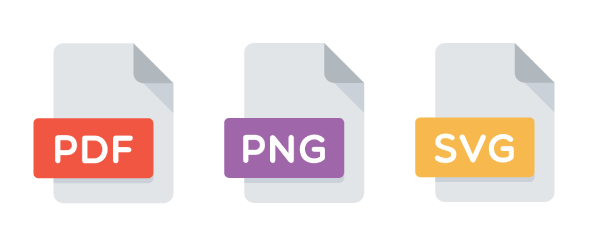
Ideally, you should provide us with your logo in a vector format .
- PDF – all vectors and fonts must be converted to outlines.
- SVG – Scalable Vector File, ideal for logos and symbols
- PNG – only if high-resolution (at least 150 dpi, preferably 300 dpi), background as transparent as possible
👉 Important: JPEG and GIF are not suitable for printing or embroidery.
Color specifications for accurate results
Here we explain which color specifications will give you the fastest and best way to get in touch with us.
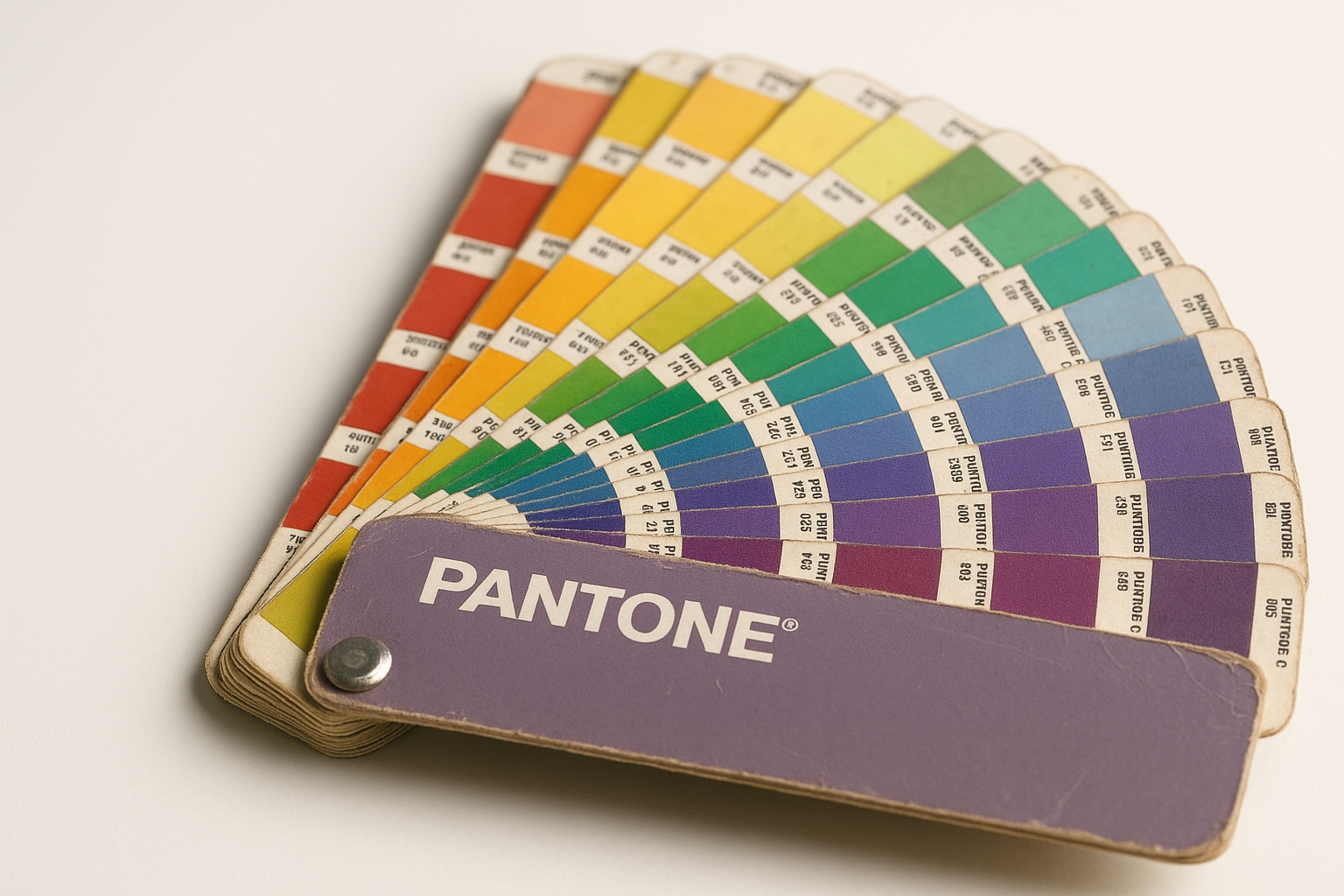
Screen printing (Pantone C, CMYK, Hex)
Pantone C is best for full color accuracy. For CMYK or Hex, we choose the closest printing color.
Embroidery (Pantone C, CMYK, Hex)
Pantone C helps us to precisely match the yarn. For CMYK or Hex, we'll find the perfect yarn color for you.
Digital printing (CMYK, Hex possible)
We can directly import your CMYK data. Hex values are also possible – in both cases, we select the appropriate colors in the printing system.
Process after your order